How to Make a Tattoo Stencil from Text
From words to a stencil your artist can trace, in about ten minutes.
A good lettering tattoo starts with a clean, correctly sized stencil. This guide walks through choosing a font that ages well, setting the size, exporting an outline file and printing a placement test, using the free font tool on this page. It takes about ten minutes and you will walk into the studio with a file your artist can use.
Type some text to begin.
Printable Cursive Worksheet (PDF)
Four-line handwriting rows: ascender line, dashed midline, baseline and descender line. Your text is printed as a model row with light gray tracing rows.
Quick answer
To make a tattoo stencil from text, type the words into a font generator, pick a font with even strokes and open letter shapes, export it as an outline SVG or high-resolution PNG, and print it at 100% scale for a placement test. Your artist then transfers it with stencil paper or a thermal printer.
Key facts
- Time needed: about 10 minutes
- Best file: outline SVG (scales without blurring)
- Print setting: 100% or actual size
- Minimum height for script lettering: about 1.5–2 cm per line as a starting point; ask your artist
- Cost: free, no sign-up
How it works
Type and compare
Enter the text and scroll the tattoo fonts below.
Outline and size
Switch on Outline, adjust spacing and slant.
Export and print
Download SVG or PNG and print a 100% placement test.
Step 1: choose a font that will age well
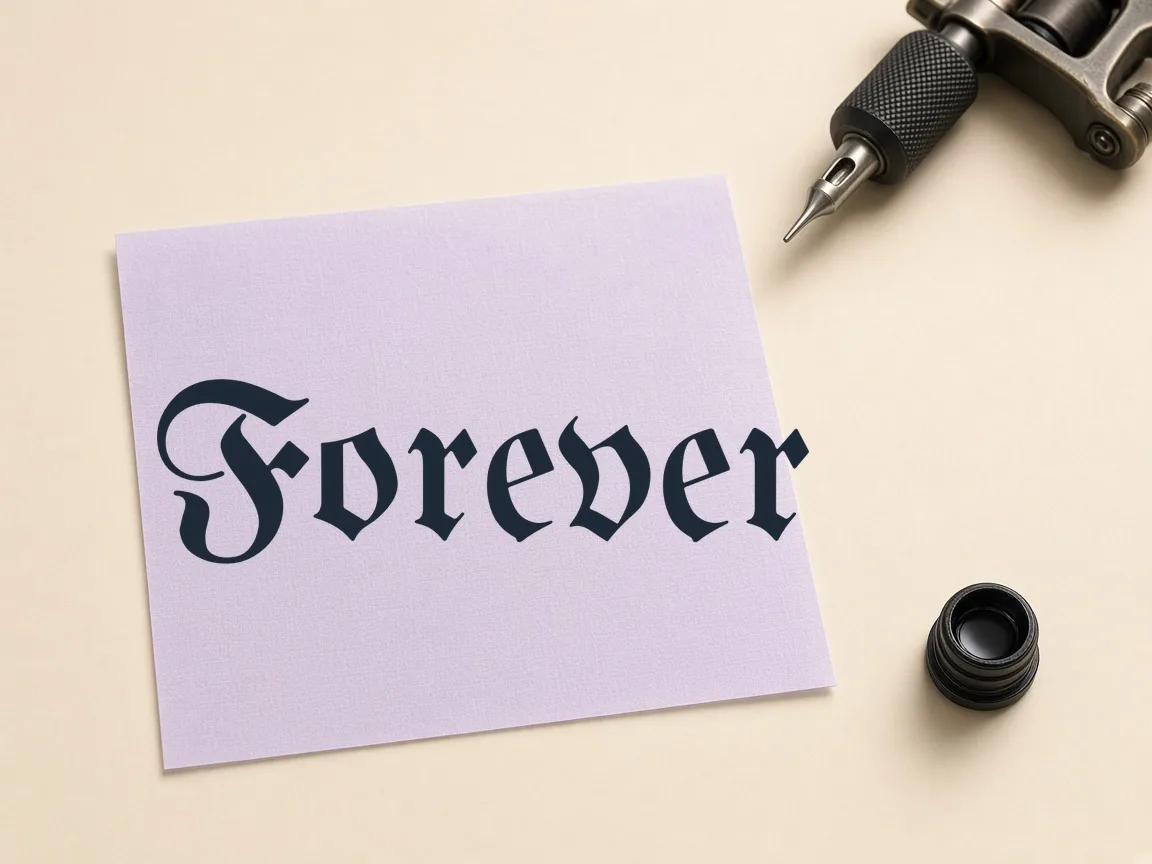
Ink spreads slightly under the skin over the years, so fine details close up first. Fonts with even stroke width and open loops, such as Courgette, Sacramento or Dancing Script, keep their shape longer than high-contrast scripts with hairline strokes. Blackletter such as UnifrakturMaguntia looks bold but needs extra height because its counters are small. Compare several fonts with the exact words you plan to use; a font that looks great with one name can struggle with another.
Step 2: set size and spacing on screen
Increase letter spacing slightly for small tattoos; letters that touch on screen will merge on skin. Keep slant moderate, because strongly slanted text gets harder to read on curved areas such as the forearm. If the design has two lines, raise the line height so loops from the first line do not collide with capitals on the second. Check the preview at arm's length.
Step 3: export an outline file
Switch on the Outline option to get hollow letters, which is what most stencil transfers need. Download the SVG for the cleanest result: it is a vector, so the studio can resize it without blur. The transparent PNG is useful for placement mockups on a photo of your arm. Save one file per candidate font and name the files clearly.
Step 4: print a placement test
Print the PNG or SVG at 100% scale, cut it out and tape it where you want the tattoo. Look at it in a mirror and from a few metres away, and take a photo. If it feels too small to read, it is; size up before the appointment rather than during it. Bring the printout, the file on your phone and the spelling written in plain capitals.
What your tattoo artist will still do
Your stencil is a strong reference, not the final artwork. Artists adjust line weight, spacing and placement to your skin and anatomy, and may redraw parts of letters for longevity. Trust that advice, especially on minimum size. The point of making your own stencil is to arrive with a clear, agreed starting point.
Frequently asked questions
What file format do tattoo artists prefer?
Most are happy with a high-resolution PNG or a vector SVG. SVG is best when the studio resizes or prints thermal stencils.
Can I print a stencil on normal paper?
Yes, for a placement test. The actual transfer uses stencil or thermal paper, which your artist provides.
Which fonts last best as tattoos?
Fonts with even strokes and open loops. Very thin hairlines and tight flourishes blur first.
Are the fonts free to use for a tattoo?
Yes. They are open-source under the SIL Open Font License or Apache 2.0.
Make your stencil now
Free, runs in your browser, nothing is uploaded.
Open the stencil tool →