Professional Email Signatures
Insert a transparent PNG signature at the bottom of your outgoing messages in Gmail, Outlook, or Apple Mail to add a warm, personal closing touch to everyday business correspondence.
Preview 122 open-source cursive styles in real time, customize your slant and scale, and download crisp transparent signatures without creating an account.
Create a clean handwritten look for your name with our free signature generator. Type your text, test 122 open-source script and cursive fonts, and fine-tune size and slant right in your browser. When you are satisfied, export a transparent PNG or vector SVG file ready for email footers, digital mockups, and personal projects.
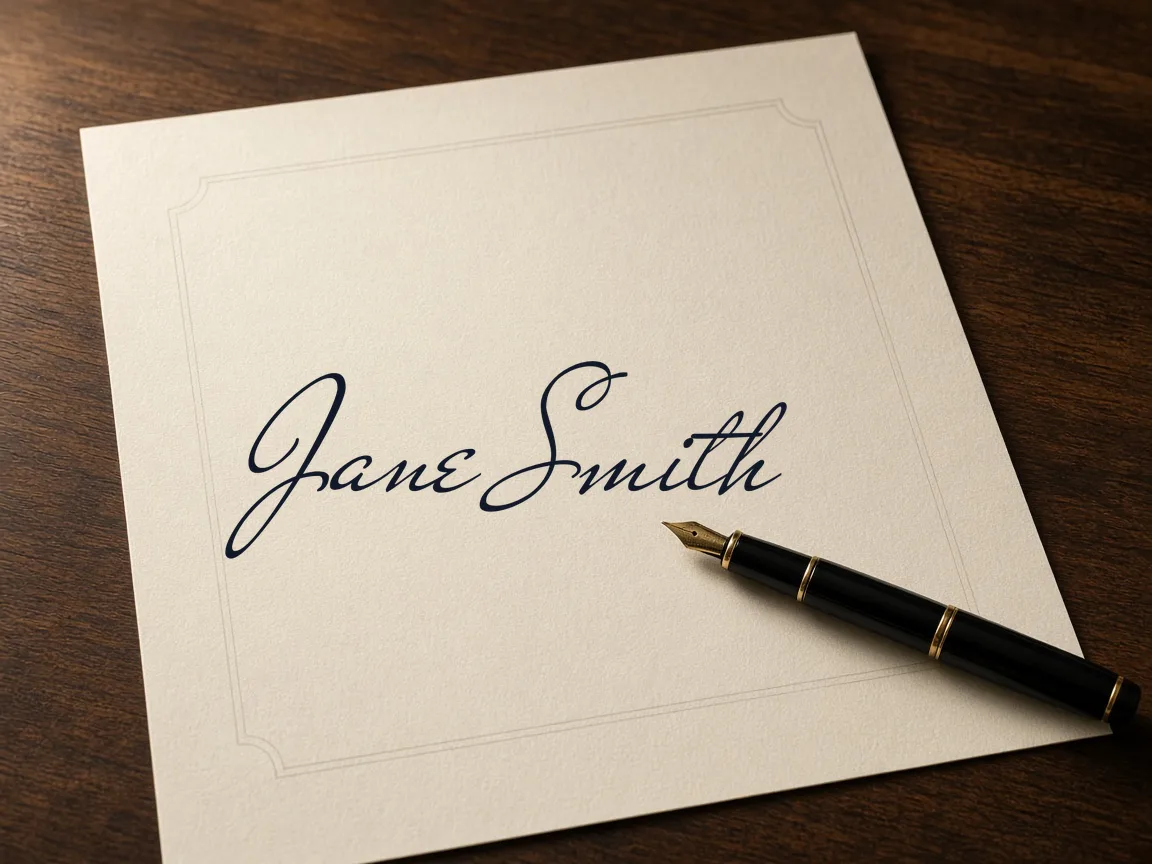
Type your name above to preview custom handwritten styles.
Draw with a mouse, finger or stylus. Nothing is uploaded.
Four-line handwriting rows: ascender line, dashed midline, baseline and descender line. Your text is printed as a model row with light gray tracing rows.
Type your full name, initials, or brand nickname into the input field.
Browse 122 open-source cursive styles rendered live on your screen.
Fine-tune slant angle, stroke thickness, scale, and ink color to your preference.
Export your finished signature as a transparent PNG or scalable vector SVG.
Insert a transparent PNG signature at the bottom of your outgoing messages in Gmail, Outlook, or Apple Mail to add a warm, personal closing touch to everyday business correspondence.
Overlay your script mark onto photography portfolios, digital artwork previews, social media graphics, and creative presentation decks to maintain consistent authorship and visual recognition across all your shared work.
Incorporate clean vector SVG signatures into printable invoices, company letterhead templates, custom thank-you notes, and certificate mockups that maintain sharp line quality at any print scale.
| Feature | ✦ Cursive Generator | Account-Based Generators |
|---|---|---|
| User Registration | ✓No account or login required. | –Requires account sign-up and email confirmation. |
| Data Privacy | ✓Processes entirely in browser on device. | –Transmits entered names to external servers. |
| Font Licensing | ✓122 open-source fonts for any use. | –Proprietary fonts often restricted to paid plans. |
| Vector SVG Export | ✓Free SVG and transparent PNG downloads. | –Vector downloads frequently locked behind subscriptions. |
| Watermark Policy | ✓Clean image files with zero watermarks. | –Watermarks placed on free export tiers. |
Customize handwriting and calligraphy styles instantly with live typing previews and on-canvas controls.
All font shaping calculations execute locally through your browser's rendering engine without latency or screen refresh stutter. This allows you to evaluate how initials, capital letters, and descenders interact across compact screens. Test full signatures or monograms until the proportions feel perfectly balanced.
Export high-resolution transparent PNG images and scalable SVG vector files tailored for digital documents and print designs.
Drop clean raster images onto colored or textured backgrounds without unsightly white bounding boxes.
Raster exports are cropped tightly to letter boundaries, eliminating extra margin editing.
Export vector paths that scale to any size without pixelation or blurry edges.
Downloads contain no watermarks, tracking pixels, or expiration limits.
Import exported SVG files directly into Figma, Adobe Illustrator, or Inkscape to adjust bezier curves and convert strokes to outlines. Vector graphics remain crisp across responsive websites, stationery, and PDF design mockups. Every graphic is completely watermark-free and prepared for immediate deployment.
Generate custom calligraphy completely inside your browser with complete privacy and zero server transmission.
The entire pipeline runs locally, so the generator functions seamlessly even after disconnecting your internet connection. You can freely use your graphics across commercial mockups, newsletter signoffs, personal portfolios, and printed materials. Every typeface is protected under established open-source licenses without usage caps or restrictions.
Try also: name in cursive · cursive worksheets · tattoo fonts · wedding calligraphy · gothic fonts · signature generator · best free cursive fonts
Yes. All features, styles, and export options on Cursive Generator are free. You do not need to register an account, enter payment information, or unlock tiers. You can generate and download as many PNG and SVG signature images as you need without limits or fees.
Yes. All 122 fonts included in this tool are licensed under open-source agreements like the SIL Open Font License or Apache 2.0. These licenses permit both personal and commercial use, allowing you to use your generated images on client mockups, product packaging, and business correspondence.
No. Everything runs strictly inside your web browser on your device. Text input, font styling, canvas rendering, and file export never leave your machine. Cursive Generator does not transmit your entries to any remote server or store your name in a database.
PNG is a raster image with a transparent background, ideal for direct insertion into email footers, word processor documents, and presentation slides. SVG is a vector file that scales cleanly to any size without losing sharpness, making it perfect for print media and vector editing software.
Download your signature as a transparent PNG. Open your email client's settings menu, locate the signature configuration pane, and choose the option to insert an image. Upload the PNG file, resize it to fit your preferred email proportions, and save your updated signature settings.
Cursive Generator is a free option that lets you generate transparent PNG signatures directly in your browser without requiring any account or registration. You can enter your name, test 122 open-source script fonts, and download a graphic trimmed tightly to the text edges without an unsightly background box. Because the resulting PNG has true transparency, you can immediately place it over email footers, digital document mockups, or personal stationery without needing to crop margins in photo editing software.
Yes, Cursive Generator provides interactive canvas sliders to customize both the slant angle and stroke size of your cursive signature. Tilting the baseline forward replicates the natural flow of handwriting, while adjusting the scale ensures capital letters and descenders stay legible on smaller screens. Because all font shaping calculations run locally inside your browser, every slider adjustment previews immediately without page reloads, network latency, or visual stuttering.
Cursive Generator allows you to export clean SVG vector signatures directly from your browser for use in vector editors like Figma, Illustrator, and Inkscape. The exported SVG preserves full letter paths, enabling you to scale the signature infinitely without pixelation or blurry edges. Once imported into your design software, you can convert strokes into outlines, modify individual bezier curves, or integrate the signature into high-resolution stationery templates.
Yes, Cursive Generator lets you customize the ink color of your signature using standard hex codes to match your document palette. You can enter your desired color value directly into the tool, and optionally apply text shadow effects for extra visual depth. The customized signature updates immediately on the live canvas, so you can confirm the contrast and readability before exporting your transparent PNG or scalable SVG file.
Cursive Generator renders live previews across 122 open-source script and calligraphy fonts simultaneously as you type your text into the input field. This side-by-side rendering lets you instantly observe how your specific initials, capital letters, and descenders look in styles ranging from casual scribbles to structured copperplate calligraphy. You do not have to click through separate catalog pages or wait for font assets to reload between selections.
Yes, Cursive Generator works seamlessly with short monograms, individual initials, and full names. As you type your letters, each font sample updates instantly on screen so you can examine the balance and proportions between capital letters and overlapping strokes. You can then fine-tune the slant angle, stroke weight, and ink color to produce a minimalist graphic ready for personal branding, digital stamps, or profile graphics.
Type your name above to explore 122 open-source handwriting styles and download your image instantly.
Generate Signature →