Are the generated calligraphy fonts free for commercial use?
Yes. All 122 calligraphy and cursive fonts available on Cursive Generator are licensed under open-source terms, specifically the SIL Open Font License or Apache 2.0. You can export PNG or SVG files and use the resulting lettering for personal craft projects, merchandise, logos, wedding stationery, and commercial products without paying royalties.
How does the skin tone preview work for tattoo lettering?
The background palette includes a range of realistic skin tone shades alongside standard white, dark, and transparent options. Selecting a skin tone lets you test how different stroke weights, flourishes, and ink contrasts will look against varying complexions before you export your design as an SVG or PNG stencil.
What is the difference between PNG and SVG exports?
PNG exports produce transparent raster images with clean anti-aliasing, making them ideal for quick web graphics, mockups, and digital documents. SVG exports provide pure vector paths that can scale infinitely without pixelation, making them perfect for vinyl cutting machines, laser cutters, embroidery software, and professional design editing.
Does Cursive Generator upload or store my typed text on a server?
No. All text parsing, font styling, and file exports occur entirely within your web browser. No text, images, or personal details are uploaded to our servers or stored in any database. Your work stays private on your local machine, and no account or login is ever required.
Can I adjust the angle or slant of the calligraphy text?
Yes. Use the slant slider located in the control bar to tilt your text forward or backward. This feature lets you convert standard upright calligraphy into dynamic slanted cursive or upright formal lettering to match the exact aesthetic requirements of your design.
Do I need to create an account or pay to use Cursive Generator?
No, Cursive Generator is completely free and requires no account registration, login, or subscription fees. All 122 open-source calligraphy fonts, live editing controls, and export features are accessible immediately in your web browser. You can type your text, preview styles, and download transparent PNG or vector SVG files without providing an email address.
How can I preview and compare multiple calligraphy fonts at the same time for free?
Cursive Generator allows you to preview your text across 122 distinct calligraphy and script fonts simultaneously on a single page. Instead of installing individual font files or navigating through repetitive drop-down menus, you type your words once to view copperplate, brush, and gothic styles side by side. This side-by-side view helps you quickly evaluate readability and style without refreshing the page.
Can I use Cursive Generator to generate calligraphy files for Cricut or laser engraving?
Yes, Cursive Generator exports clean vector SVG files suitable for Cricut machines, vinyl cutters, and laser engravers. Because vector SVG graphics consist of scalable mathematical paths rather than raster pixels, your lettering maintains crisp outlines at any physical size. These files import directly into design tools like Adobe Illustrator or Inkscape for immediate fabrication.
Does Cursive Generator support text shadows for calligraphy designs?
Yes, Cursive Generator includes a built-in text shadow control along with versatile canvas background options. Adding a shadow gives your lettering subtle depth and improves visual contrast against complex or colored surfaces. You can test your typography against dark tones, white paper, or transparent grids before exporting clean PNG or SVG graphics.
What calligraphy and script font styles are available on Cursive Generator?
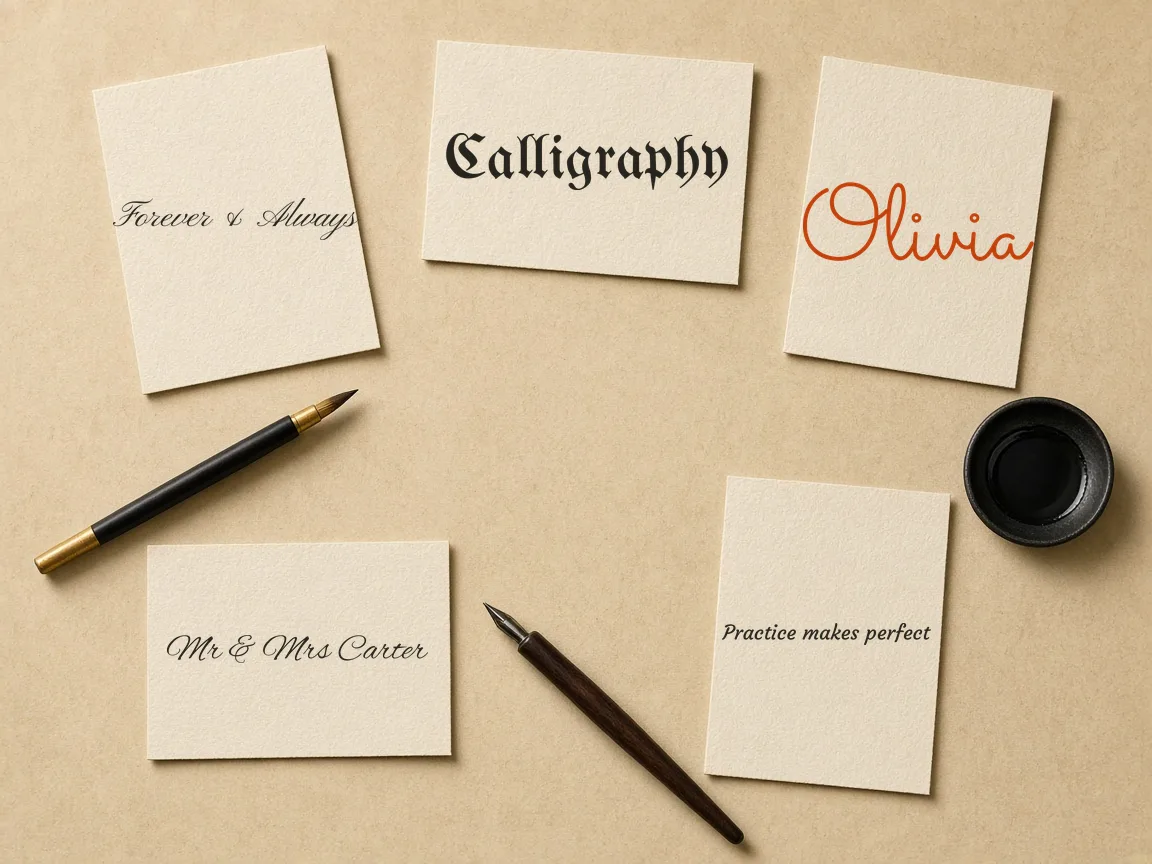
Cursive Generator includes 122 curated open-source typefaces covering formal copperplate hands, fluid brush strokes, modern casual scripts, and dramatic gothic lettering. When you type your text, all 122 styles render simultaneously on screen. This diverse selection helps you quickly find appropriate lettering for wedding invitations, logos, personal crafts, or body art layouts.
Do I need to install any software or plugins to use Cursive Generator?
No, Cursive Generator operates entirely inside your web browser using client-side vector technology without requiring downloads, font installations, or browser plugins. All typography rendering and graphic export calculations run locally on your device. This browser-based architecture ensures fast, responsive performance on any standard desktop or laptop without consuming local storage.