Tattoo Designs with Names
Combine two partner or family names into a single cohesive piece that flips seamlessly. Use the stencil outline mode to generate crisp, needle-ready line art that transfers cleanly onto skin without extra tracing steps.
Create lettering that reads upright and upside down with our browser ambigram generator, complete with animated rotation tests, custom font styles, and vector exports.
Create words that read identically or reveal a second word when turned upside down with this free browser-based ambigram generator. Enter one word for a symmetric flip or pair two words of similar length, inspect the design with an interactive 180-degree preview, and download clean vector SVG, raster PNG, or outline stencil files.
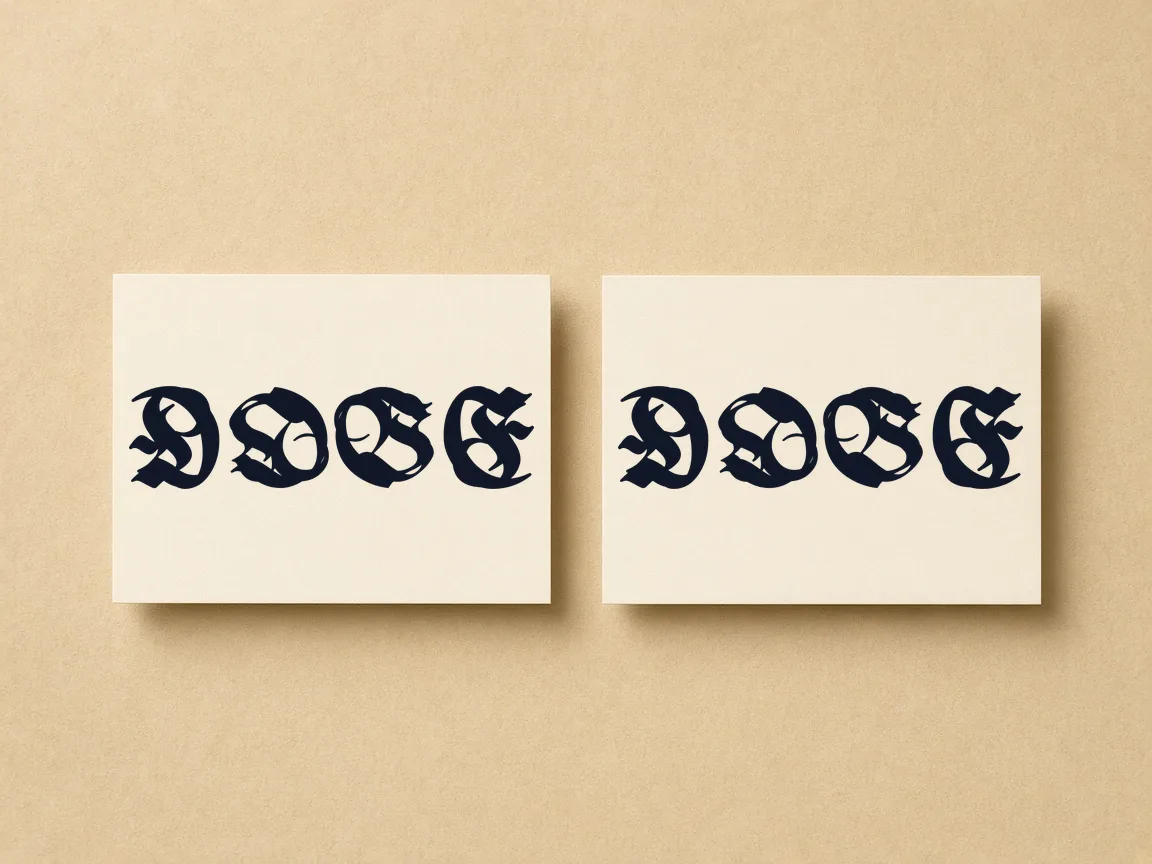
Type one word or two matching names into the lettering generator.
Choose from 122 open-source script, serif, and gothic typeface styles.
Click the rotation toggle to watch the animation turn 180 degrees.
Download print-ready SVG vector artwork or high-resolution PNG images directly to your device.
Combine two partner or family names into a single cohesive piece that flips seamlessly. Use the stencil outline mode to generate crisp, needle-ready line art that transfers cleanly onto skin without extra tracing steps.
Design playful brand marks, custom anniversary cards, or personalized mugs that surprise viewers when rotated. Download scalable SVG vector files to print crisp typography on paper, laser-cut wood, custom glassware, and apparel at any scale.
Make your social headers, avatars, and cover graphics stand out with clever visual symmetry. Export transparent PNG files optimized for digital displays, allowing followers to interact with and flip your typography directly on their screens.
| Feature | ✦ Cursive Generator | Cloud Lettering Generators |
|---|---|---|
| User Privacy | ✓Renders entirely in your browser without uploading your text. | –Sends typed words to remote web servers for image processing. |
| Account Sign-Up | ✓No registration, login credentials, or personal email address required. | –Requires creating an account or signing in to access tools. |
| Usage Cost | ✓Completely free with zero paywalls or subscription tiers. | –Often locks high-resolution exports behind paid tokens or plans. |
| Flip Animation | ✓Includes interactive 180-degree rotation preview button on canvas. | –Displays only static previews without interactive rotation animations. |
| Stencil Outlines | ✓Built-in tattoo stencil mode with clean line paths. | –Requires manual outline conversion using third-party graphic editors. |
Rotational ambigrams use glyph pairs that share identical contours when rotated 180 degrees. Cursive Generator renders these transformations live in your browser so you can inspect balance and legibility instantly.
All contour calculations run locally in your browser for zero rendering delay. Middle letters either map onto themselves or pair across the central axis to preserve visual balance. This ensures both orientations remain clearly readable without distorted letterforms.
Download your finished ambigram immediately in raster or vector formats tailored for digital art, fabrication, and physical crafting. Every export maintains exact curves across screen and physical mediums.
Get high-resolution raster files ready for mockups, digital layouts, and photo editors without background clipping.
Preserve sharp mathematical paths that never pixelate when scaled for banners, plotters, or CNC routers.
Remove solid fills to print crisp perimeter paths that conserve ink on physical transfers.
Generate precise cut lines for laser engravers, vinyl stencils, leather stamping, wood burning, and embroidery.
Choose SVG for vinyl cutters and laser software that require continuous vector geometry. The outline export creates clean transfer guides for glass etching, carbon sheets, and hand stitching. Transparent PNGs provide instant raster integration for apparel mockups and document publishing.
Cursive Generator processes every glyph locally inside your browser using JavaScript and HTML5 canvas APIs. No text inputs, draft images, or downloads ever touch an external server.
Local processing keeps confidential phrases, client branding, and personal names entirely secure. Continuous canvas redraws respond to your settings in real time without network dependency. You can draft quick logos or complete word sets with guaranteed privacy and zero waiting.
Try also: name in cursive · cursive worksheets · tattoo fonts · wedding calligraphy · gothic fonts · signature generator · best free cursive fonts
Yes. You can generate a two-word ambigram where the design displays the first word normally and reveals the second word when rotated 180 degrees. Words with identical or similar character counts yield the most balanced letter pairings and natural symmetries across the canvas.
The stencil export strips the solid fill from each glyph, producing thin, clear outline paths. Crafters and makers use stencil SVG or PNG files for plotting vinyl cutouts, tracing lines onto materials, screen printing templates, and guiding hand carving or wood burning tools.
No. All text rendering, 180-degree flip simulations, and file generation run entirely inside your browser using client-side JavaScript. None of the text you enter or designs you create are sent to, stored on, or processed by an external server.
No account, registration, or payment is required. You can generate and download unlimited transparent PNG, vector SVG, and outline stencil files directly to your computer or mobile device without signing in, subscribing, or unlocking export tiers.
The flip preview animates the canvas through a smooth 180-degree rotation. This allows you to check how legibly each letterform reads right side up and upside down, making it easy to spot and refine tricky letter unions before saving your final graphic.
Cursive Generator is a free browser-based tool that lets you design 180-degree flip ambigram tattoos without any registration or fees. You can input a single symmetric word or pair two names of similar length to create a reversible design. With the interactive flip preview, you can test readability upside down, refine stroke widths, and download stencil outlines or transparent PNG files directly for your tattoo artist.
Yes, you can use any ambigram generated on Cursive Generator for commercial projects and merchandise. The platform incorporates 122 open-source fonts licensed under the SIL Open Font License (OFL) or Apache 2.0, granting full permissions for commercial and personal applications. Because graphics are rendered entirely within your local browser, you can export vector SVG and high-resolution PNG files for client branding or apparel without royalty obligations.
Yes, Cursive Generator provides clean vector SVG exports that are fully compatible with vinyl cutters, laser engravers, and CNC routers. The mathematical vector paths scale to any size without loss of resolution or pixelation. In addition, the outline stencil mode removes solid fills to generate precise cutting perimeters, making it convenient for crafting stencils, vinyl decals, glass etching, and leather stamping projects.
Yes, you can customize stroke widths, tweak ligatures, and apply text shadows directly inside the Cursive Generator. All visual adjustments are processed instantly through client-side JavaScript and HTML5 canvas APIs without server lag. This allows you to inspect how letter terminals blend together and resolve awkward line intersections in real time, ensuring your ambigram remains legible and balanced from both viewing angles.
Cursive Generator provides 122 built-in open-source fonts, and all of them are completely free for personal and commercial use. Every font is released under either the SIL Open Font License (OFL) or the Apache 2.0 license. You can test and switch between these typographical styles directly in your browser without paying licensing fees, creating an account, or installing font packages onto your computer.
You can export your finished ambigrams as transparent PNG, vector SVG, and outline stencil files directly from Cursive Generator. Transparent PNGs provide sharp raster graphics ready for digital mockups and photo editors without background clipping. Vector SVGs offer infinite scaling for high-resolution printing and cutting machines, while outline stencils save ink and provide line guides for hand crafts and carbon transfer sheets.
Enter your words to generate reversible lettering and download vector files instantly in your browser.
Generate Your Ambigram →