Invitations and Save-the-Dates
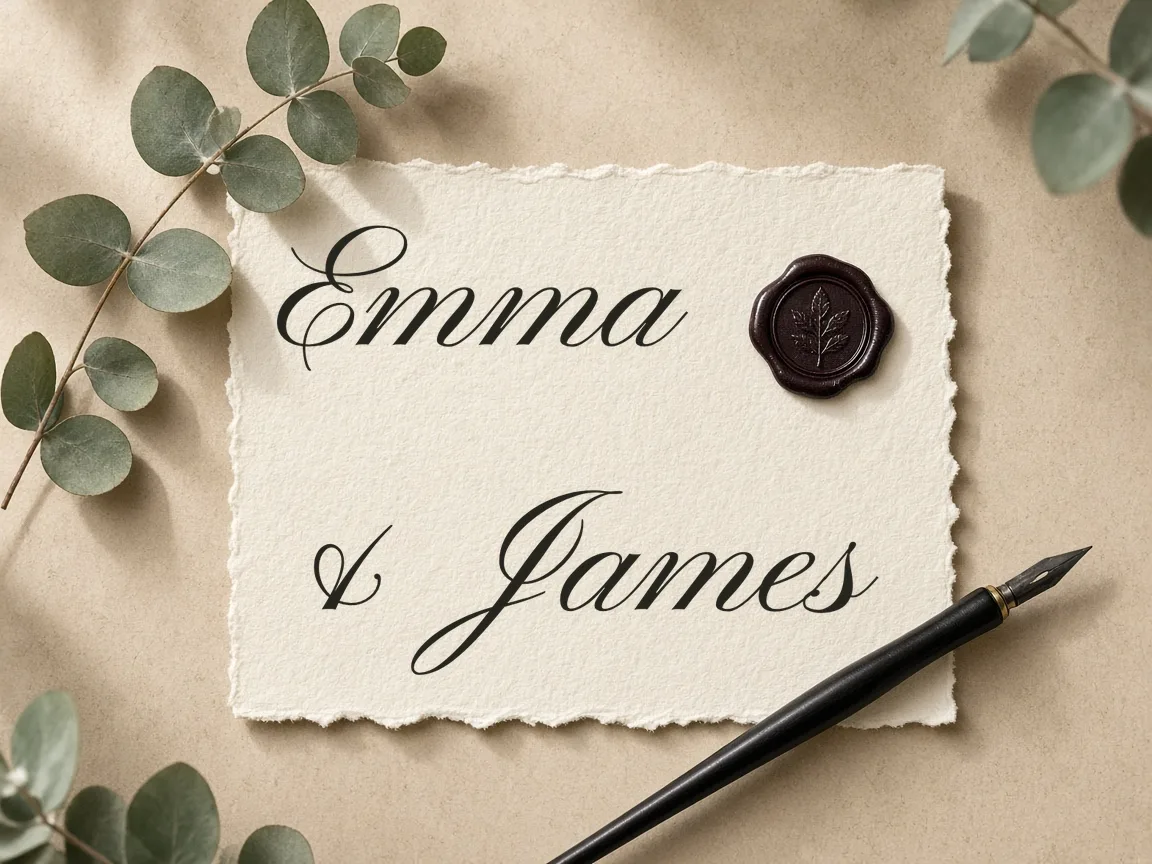
Render formal couple names, ceremony dates, and venue titles in balanced script lettering. Export crisp graphics to lay over printable card templates or embed directly into digital announcement suites.
Type custom names, vows, and dates to generate high-resolution wedding calligraphy for paper stationery, welcome signs, and cutting machines directly in your browser.
Design custom lettering for your big day with our free wedding calligraphy generator. Type your guest names, wedding date, or vows, test dozens of elegant script styles, and adjust letter spacing in real time. Everything runs directly in your web browser, allowing you to export clean SVG and PNG files without creating an account.
Type a name, date, or phrase above to preview your calligraphy.
Four-line handwriting rows: ascender line, dashed midline, baseline and descender line. Your text is printed as a model row with light gray tracing rows.
Type your wedding names, dates, greetings, or guest list entries into the input box.
Browse 122 open-source script styles to match modern, vintage, or classic wedding aesthetics.
Fine-tune font size, letter spacing, line height, and color for your exact project needs.
Save clean SVG vector paths for vinyl cutting or high-resolution transparent PNG graphics.
Render formal couple names, ceremony dates, and venue titles in balanced script lettering. Export crisp graphics to lay over printable card templates or embed directly into digital announcement suites.
Generate individual guest names and numerals with identical font styling across your seating chart. High-contrast lettering ensures guests quickly locate their tables while preserving an elegant reception tablescape.
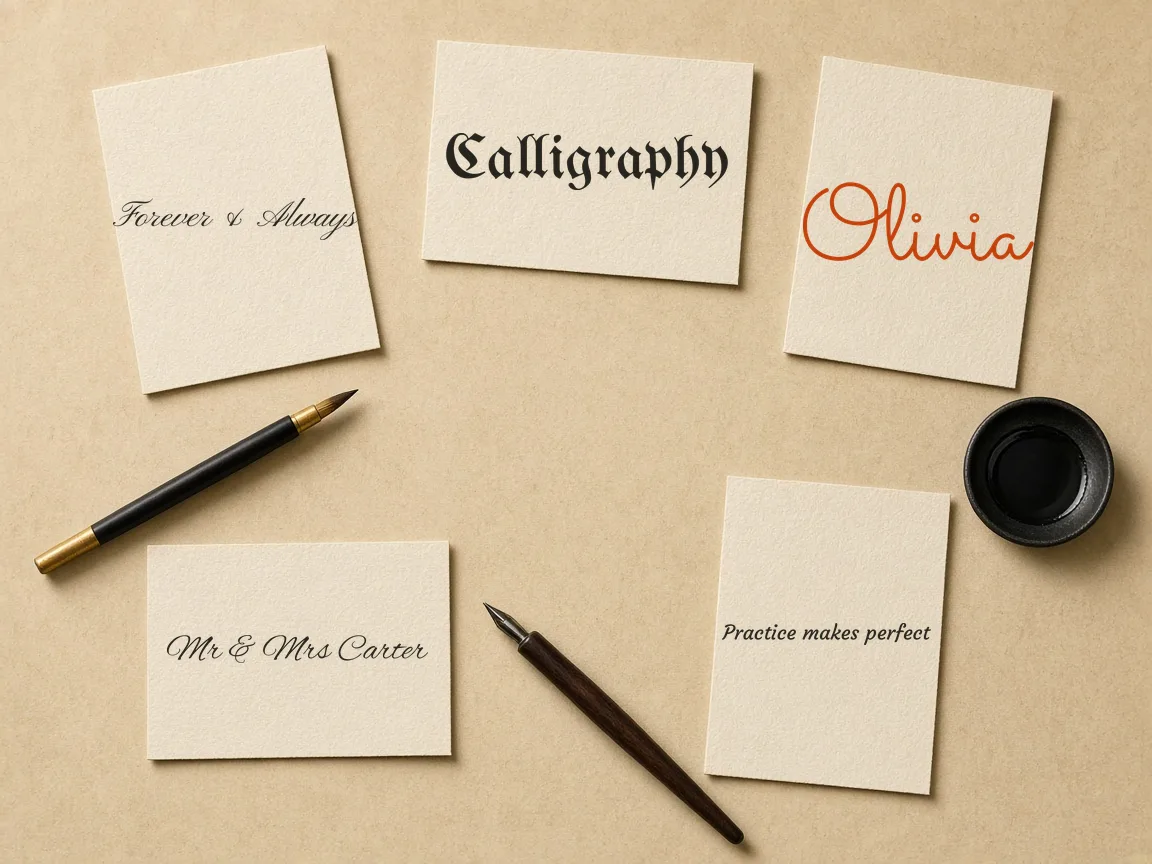
Produce clean SVG cutting paths for acrylic entryway boards, mirrored easels, and gift tags. The vector curves scale smoothly to any signboard size without jagged edges or distorted letter joints.
| Feature | ✦ Cursive Generator | Desktop Design Software |
|---|---|---|
| Installation Required | ✓None, runs entirely inside modern web browsers. | –Requires downloading, installing, and updating local software packages. |
| Account Creation | ✓No registration, login, or personal profile needed. | –Usually requires user registration or an active subscription account. |
| Data Privacy | ✓All text processes locally without server uploads. | –May sync project files or telemetry to cloud servers. |
| Font Licensing | ✓Includes 122 open-source SIL OFL and Apache fonts. | –Font licenses vary and often require separate commercial purchases. |
| Vector SVG Export | ✓Free instant SVG downloads ready for cutting machines. | –Vector exports may require premium tiers or paid upgrades. |
Design cohesive calligraphy for wedding paper goods, from save-the-date cards to dinner menus. Type custom names or monograms to preview letter connections before finalizing your layout.
Consistent typography ties together your entire paper suite, including outer envelopes, detail cards, and RSVP inserts. Tweak letter connections to complement your chosen paper stock and ink palette. High-resolution rendering ensures headlines remain crisp when paired with formal addresses and schedule notes.
Generate clean, production-ready SVG vectors optimized for digital craft cutters. Smooth mathematical outlines prevent jagged edges and torn vinyl during cutting and weeding.
Mathematically defined script glyphs prevent cutter blades from snagging or cutting into overlapping letter tails.
Import SVG files straight into Cricut Design Space, Silhouette Studio, or Brother CanvasWorkspace without manual tracing.
Vectors maintain razor-sharp precision at any size, from tiny glass favors to five-foot welcome signs.
Cut clean adhesive vinyl, heat transfer vinyl, or cardstock for acrylic, wood, mirrors, and tote bags.
Unlike raster images that produce jagged contours and internal holes, our direct browser vector exports eliminate difficult weeding sessions. You can easily weld overlapping cursive script paths and resize dimensions to fit your materials. This ensures reliable results on precision machines like Cricut Maker, Cricut Joy, and Silhouette Cameo.
Design with complete privacy using a browser-based engine powered by open-source fonts. Your event text stays on your device with no accounts, subscriptions, or server uploads required.
Client-side canvas and vector rendering guarantees instant visual updates as you type your text. Independent crafters and wedding planners can produce stationery and physical goods without restrictive display limits or hidden licensing tiers. The local architecture keeps your workflow completely responsive even during large batch projects.
Try also: name in cursive · cursive worksheets · tattoo fonts · wedding calligraphy · gothic fonts · signature generator · best free cursive fonts
Yes. When you download your lettering as an SVG vector file, the letter outlines remain vector curves. You can import the SVG directly into Cricut Design Space or Silhouette Studio, scale the design to your project dimensions, and send it to your cutting machine without manual tracing or conversion errors.
No. Cursive Generator requires no account, registration, or payment. Every feature is free and available immediately in your browser. You can type names, preview fonts, customize sizing, and download high-resolution PNG or SVG vector files without entering an email address or credit card.
Yes. All 122 fonts available on Cursive Generator are released under permissive open-source licenses, specifically the SIL Open Font License or Apache License. You may freely use them for personal DIY weddings or for commercial items you sell to clients, including physical stationery, signs, and apparel.
No. All text rendering and vector generation happen entirely within your local browser session using client-side JavaScript. None of the text you enter, including names, dates, vows, or seating arrangements, is uploaded, transmitted, or stored on any external server.
SVG files are vector graphics that can be scaled infinitely without pixelation, making them ideal for cutting machines, vinyl plotting, and professional commercial printing. PNG files are raster images with transparent backgrounds, which work well for digital invitation mockups, social media graphics, and standard desktop document editors.
Cursive Generator is a free browser-based generator where you can create custom wedding calligraphy without installing fonts or signing up. You can type couple names, wedding dates, or vows, preview dozens of elegant script styles in real time, and download transparent PNG or vector SVG files. Everything processes locally on your computer or tablet, giving you instant downloads for invitation suites, menus, and save-the-date cards.
Yes, Cursive Generator allows you to customize letter spacing, line height, and flourishing directly on an interactive preview canvas. When designing wedding place cards, dinner menus, or vows, you can adjust tracking to balance formal script headlines against smaller body copy. The live canvas updates instantly in your browser, helping you evaluate how connected letter combinations flow together before exporting your design for home printing or professional print shops.
Yes, you can export your wedding calligraphy as a transparent PNG file directly from your browser. This export option allows you to place custom bride and groom names, monograms, or RSVP headings onto digital invitation templates or colored paper mockups. Because the PNG background is completely transparent, your customized lettering integrates smoothly without leaving opaque white boxes around delicate flourishes or connected script tails.
Yes, Cursive Generator works directly in web browsers across any iPad, tablet, or desktop computer without installing any app. The interactive canvas lets you type guest names, adjust tracking, and preview script styles smoothly on touchscreen devices. Because the entire rendering pipeline runs locally in your browser, you can quickly design place cards or invitation lettering wherever you are and export SVG or PNG files immediately.
Cursive Generator features 122 built-in open-source fonts licensed under SIL Open Font License (OFL) or Apache 2.0. You can test and compare dozens of script aesthetics, including formal traditional calligraphy, modern minimalist scripts, and decorative flourishing styles. Because all fonts are included directly within the browser interface, you can preview names and dates instantly without downloading font packs, installing desktop software, or paying font license fees.
Yes, Cursive Generator includes a text shadow feature to add visual depth to your wedding lettering. You can enable and configure shadows right on the preview canvas to see how the calligraphy contrasts against stationery backgrounds or paper textures. Once you finish fine-tuning the shadow effect alongside letter spacing and script selection, you can export your stylized names and phrases as a crisp, high-resolution PNG file.
Select an elegant script font, preview your text in real time, and download cutting-ready SVG or PNG files for free.
Generate Wedding Calligraphy →