Name and Date Tattoos
Test fine-line script or clean Roman numerals for birthdays and family tributes. Adjust spacing to keep small collarbone, wrist, and ankle lettering legible over decades of wear.
Preview custom lettering across gothic, script, and brush fonts on skin-tone backgrounds, then download clean stencil-ready vector and image files.
Design your next ink with our free tattoo font generator. Type any name, quote, or roman numeral to instantly test gothic, flowing cursive, and modern brush styles across realistic skin-tone backgrounds. Adjust letter spacing, slant, and outlines in real time, then download clean transparent PNGs or scalable vector SVGs ready for stencil printing.
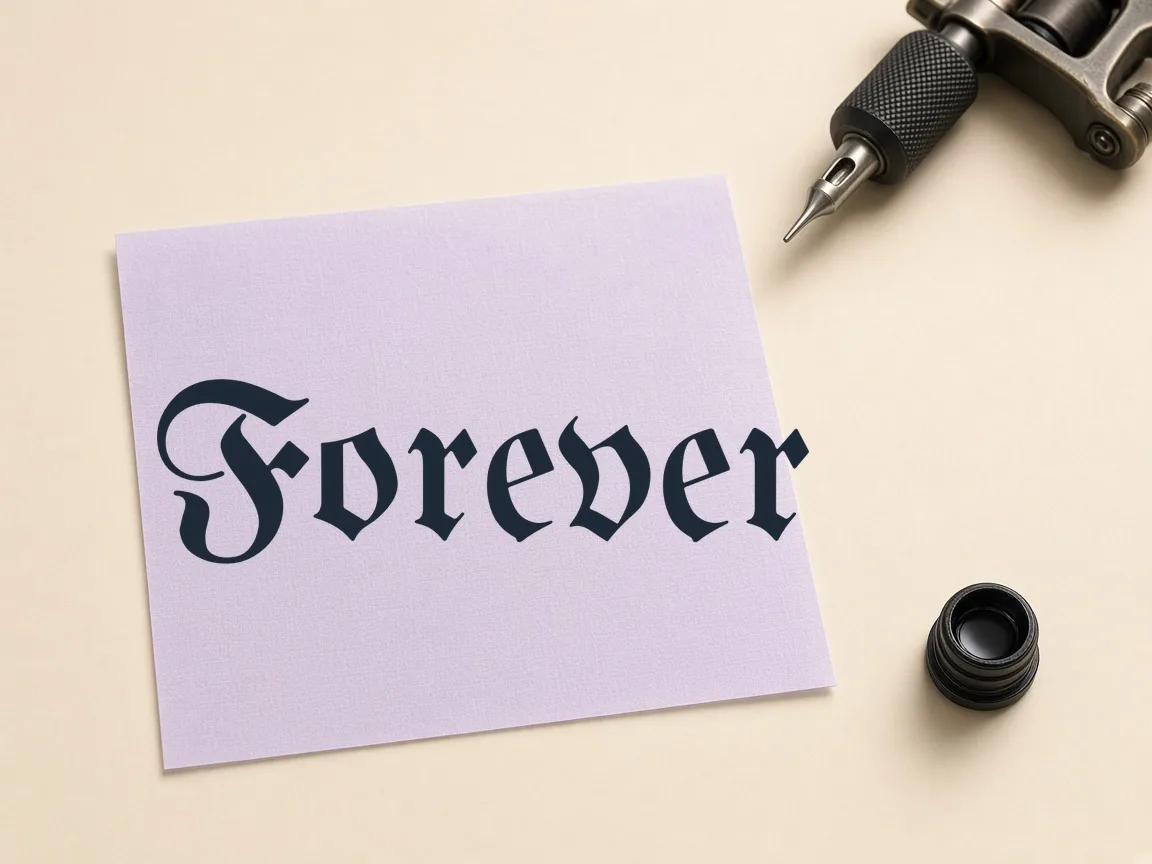
Type a name, phrase, or date above to preview tattoo fonts.
Four-line handwriting rows: ascender line, dashed midline, baseline and descender line. Your text is printed as a model row with light gray tracing rows.
Enter any word, memorial date, or phrase into the input field to generate instant previews.
Browse 122 open-source gothic, blackletter, cursive script, and textured brush lettering styles.
Refine size, slant, letter spacing, drop shadows, and background skin tones in real time.
Export transparent PNG images or scalable SVG vectors ready for your thermal stencil printer.
Test fine-line script or clean Roman numerals for birthdays and family tributes. Adjust spacing to keep small collarbone, wrist, and ankle lettering legible over decades of wear.
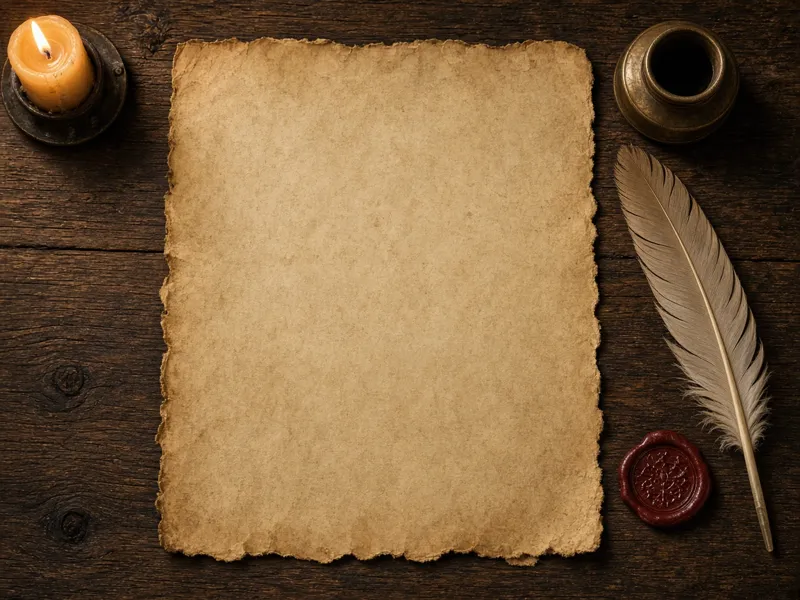
Build bold Old English chest rockers, forearm wraps, or spine script with heavy stroke contrast. Preview dense glyphs against warm skin tones to balance negative space and linework weight.
Coordinate matching wrist phrases, complementary initials, or reversible wordplay layouts for partners. Preview both designs side-by-side with identical line weights and slant angles to ensure perfect stylistic harmony.
| Feature | ✦ Cursive Generator | Standard Font Websites |
|---|---|---|
| Vector SVG Export | ✓Free direct downloads with zero compression or signups. | –Often restricted to paid licenses or raster preview images. |
| Skin Tone Preview | ✓Interactive canvas simulates multiple real skin tones instantly. | –Previews limited to plain white or checkerboard backgrounds. |
| Browser Privacy | ✓All rendering happens locally; no text leaves your device. | –Text sent to remote servers to render static preview graphics. |
| Real-Time Adjustments | ✓Instant sliders for letter spacing, slant, and outline stroke. | –Page reloads or static form submits required for modifications. |
| Commercial Font Licenses | ✓Every font uses permissive SIL OFL or Apache terms. | –Mix of personal-only and unverified third-party licenses. |
Evaluate contrast, line weight, and legibility on skin before committing to ink. Switch between undertone canvases directly in your browser.
Testing full phrases alongside short monograms helps you spot collisions between ascenders and descenders across adjacent characters. Whether sizing a wrist initial or a broad chest rocker, client-side adjustments let you balance stroke thickness and negative space instantly.
Fine-tune glyph metrics down to individual pixel increments for cleaner stencil preparation. Adjust spacing and angles directly in memory without page refreshes.
Widen tracking to avoid ink spread or tighten gothic characters into dense blackwork.
Tilt italic angles forward or backward to match the natural curves of forearms and ribs.
Generate custom outline templates to save printer toner and create crisp thermal transfer stencils.
Test kerning pairs, sizing, and baseline shifts in seconds without waiting for server responses.
Layer soft under-shadows to evaluate how dimensional depth flatters specific body planes before inking. Because all adjustments execute locally in the browser, you can refine layout proportions until your design remains legible from every angle.
Generate clean, high-resolution graphics ready for thermal stencil machines. Download transparent PNGs or infinite-resolution vector SVGs directly from your browser.
Every export processes client-side for immediate downloads with zero watermarks and zero compression artifacts. The clean vector geometry allows you to combine typography with custom flash illustrations seamlessly.
Try also: name in cursive · cursive worksheets · tattoo fonts · wedding calligraphy · gothic fonts · signature generator · best free cursive fonts
Yes. All 122 fonts hosted on Cursive Generator are licensed under open-source terms such as the SIL Open Font License or Apache 2.0. You can use any output graphic for personal ink, printable client stencils, tattoo flash sheets, or digital merchandise without licensing fees or attribution requirements.
No. The entire font engine operates client-side inside your web browser using HTML5 Canvas and local JavaScript. Your names, private phrases, dates, and downloaded stencil graphics never leave your device, ensuring complete privacy while you compose your designs.
Choose SVG when you need infinite scalability for large stencils or wish to import vector paths into design software like Procreate. Choose transparent PNG for immediate thermal printing or quick copy-pasting directly over bodily reference photos.
Open your exported transparent PNG or SVG in standard printing software, set your printer scale to 100 percent actual size, and flip the canvas horizontally if your thermal stencil paper requires mirrored printing. Then feed your transfer sheet through your thermal stencil machine.
Yes. Simply type Roman numerals like III, IX, or MCMLXXXIV directly into the text box, or use our font options to render standard Arabic numbers in classical serif and gothic letterforms for memorial dates and milestones.
Yes. Cursive Generator allows you to toggle between warm, neutral, and deep skin-tone canvas backgrounds directly in your web browser. This helps you evaluate contrast, line weight, and negative space across gothic, fine-line cursive, and brush styles before committing to ink. All previews update instantly at sixty frames per second using the browser canvas API.
Yes. Cursive Generator includes a dedicated slant slider that tilts italic angles forward or backward in single-pixel increments. This lets you align cursive scripts or gothic lettering with the natural contours of forearms, ribs, and calves. Because glyph metrics adjust locally in memory, you can experiment with dozens of angle variations with zero network lag.
You can create a hollow outline by adjusting the custom outline thickness slider inside Cursive Generator. This converts solid blackletter or script lettering into a clean wireframe template without filling the interior of the characters. It saves printer toner and produces sharp, clean transfer borders ideal for thermal tattoo stencil machines.
Yes. Cursive Generator provides a horizontal flip feature that creates an instant mirror image of your custom text. This lets you inspect mirror views when planning placement for chest rockers, collarbones, or wrist monograms. Testing the reversed orientation directly in your browser helps ensure that ascenders, descenders, and overall layout remain balanced from any perspective.
No. Cursive Generator is completely free to use without any account registration or login required. You can test all 122 open-source fonts, customize letter spacing, and download transparent PNGs or vector SVGs immediately. Everything executes entirely on the client side in your browser, meaning your private design ideas and custom phrases are never saved or uploaded.
You can increase the letter spacing slider in Cursive Generator to add extra breathing room between glyphs. Because healed tattoo ink naturally expands over years, widening character tracking keeps delicate loops and flourishes legible rather than turning into a muddy patch. You can fine-tune tracking down to single pixels while previewing your text directly on skin tones.
Type your lettering, customize font styling on skin-tone backgrounds, and download vector SVG stencils in seconds.
Generate Tattoo Stencil →