
Manga Titles and Sound Effects
Design comic headers, onomatopoeia, and chapter titles using bold outlines, gradients, and stylized Japanese fonts.
Preview open-source Japanese display and comic fonts live, customize outlines, gradients, and shadows, and download transparent PNG, JPG, or vector SVG files with zero watermarks.
Create expressive manga and comic titles with our free anime font generator. Type your text to preview open-source Japanese-style display fonts and comic fonts live in your browser, then customize outlines, gradients, shadows, and alignment. When you finish designing, download transparent PNG, JPG, vector SVG, or printable tracing worksheet PDF files with no watermarks.
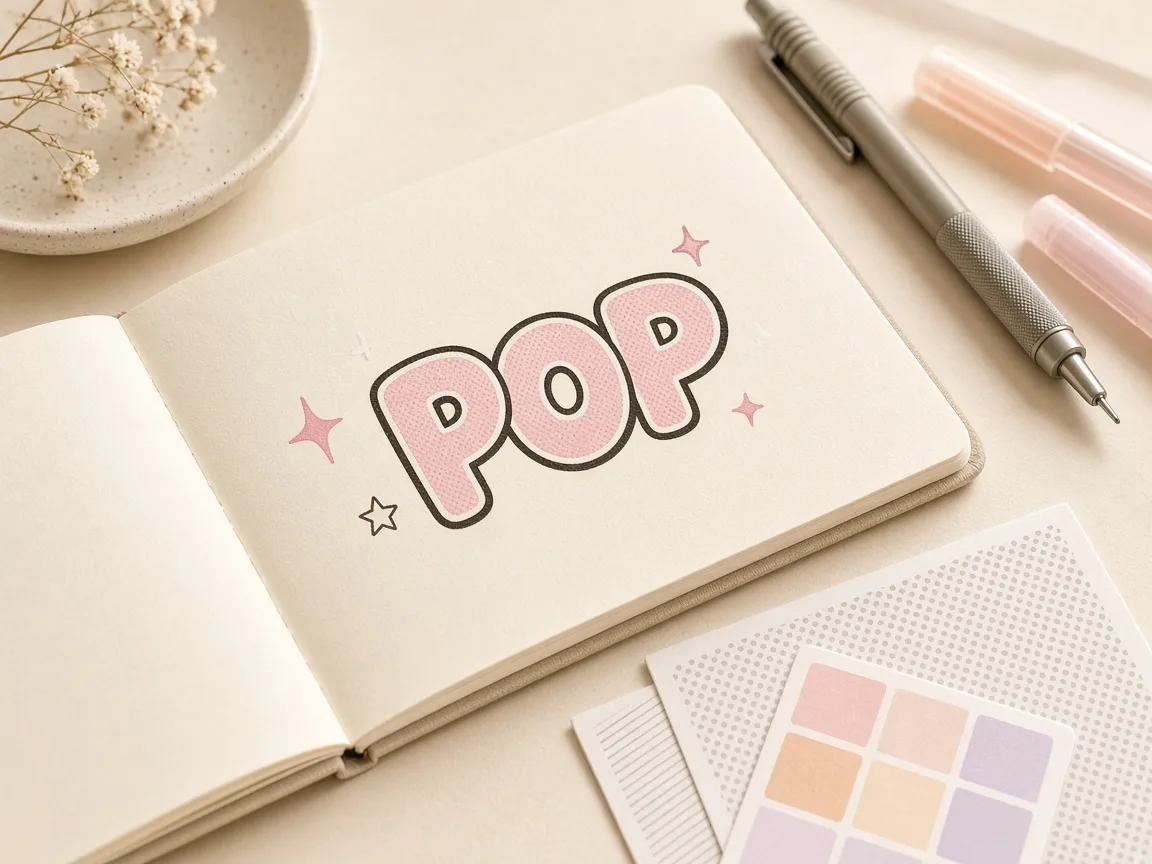
Type Latin letters, hiragana, or katakana above to preview anime-style fonts.
Four-line handwriting rows: ascender line, dashed midline, baseline and descender line. Your text is printed as a model row with light gray tracing rows.
Type your title, character name, or sound effect in Latin letters, hiragana, or katakana.
Choose from Japanese display fonts like Dela Gothic One, Mochiy Pop One, Potta One, or comic fonts.
Adjust size, spacing, slant, alignment, stroke outlines, gradient fills, and shadows.
Download transparent PNG, JPG, scalable vector SVG, or printable tracing worksheet PDF files.
Design comic headers, onomatopoeia, and chapter titles using bold outlines, gradients, and stylized Japanese fonts.

Export transparent PNG graphics to overlay expressive anime-style text onto digital illustrations, video covers, and stream banners.
Generate scalable vector SVG files to cut vinyl decals or print high-resolution apparel designs without raster pixelation.
| Feature | ✦ Cursive Generator | Account-Based Generators |
|---|---|---|
| User Registration | ✓No account, sign-up, or login required. | –Requires account sign-up and email confirmation. |
| Data Privacy | ✓Renders locally in browser without uploading text. | –Transmits entered text to remote servers. |
| Font Licensing | ✓Open-source fonts under SIL OFL or Apache 2.0. | –Proprietary fonts often restricted to paid tiers. |
| Export Formats | ✓Free transparent PNG, JPG, vector SVG, and tracing PDF. | –Vector downloads frequently locked behind paywalls. |
| Watermark Policy | ✓Completely clean files with zero watermarks. | –Watermarks placed on free export tiers. |
Preview open-source Japanese display and comic fonts instantly with responsive browser-based canvas controls.
All typography shaping and canvas operations execute locally in your web browser with zero network latency. You can experiment with slant angles, letter spacing, and horizontal, vertical, or radial gradients to create dynamic lettering. Preview your text against various background paper options on screen to verify contrast and visual balance.
Download high-quality raster images, scalable vector graphics, and printable handwriting worksheets.
Download clean PNG images without background boxes for seamless layering onto digital artwork.
Export mathematical vector paths that scale to any resolution for printing and editing.
Save standard JPG images or export printable PDF worksheets for physical lettering practice.
Every exported file downloads without watermarks, subscriptions, or hidden charges.
Export options are provided on a per-font basis so you can quickly generate assets for the specific typefaces you need. Scalable SVG files easily import into vector editors like Illustrator, Inkscape, or Figma for advanced layouts. Printable PDF worksheets provide guided templates for tracing and drawing characters with physical pens.
Design custom anime typography entirely in your browser with complete privacy and commercial-friendly fonts.
Because Cursive Generator relies entirely on local browser rendering, your text stays secure on your personal machine. All 122 fonts across the catalog comply with open-source licensing, granting permission for both personal and commercial use. You can create graphics for creative portfolios, fan art, or commercial merchandise with full confidence.
Try also: name in cursive · cursive worksheets · tattoo fonts · wedding calligraphy · gothic fonts · signature generator · best free cursive fonts
You can create an anime-style title logo for free by typing your text into Cursive Generator's anime font generator. Select an open-source Japanese display font such as Dela Gothic One, Mochiy Pop One, or Zen Dots to establish your visual style. Adjust stroke outlines, two-color gradients, and text shadows, then download a transparent PNG or vector SVG file. The entire process runs in your browser with no sign-up or watermark.
Yes, you can type Japanese hiragana and katakana alongside standard Latin letters. The bundled Japanese display fonts support both kana writing systems and Latin alphabets for bilingual styling. However, kanji characters are not included in the bundled font files, so enter hiragana, katakana, or romaji for proper display. Your text updates live on the canvas as you type.
Yes, all graphics exported from the anime font generator are free for both commercial and personal use. Every bundled typeface is open-source and licensed under the SIL Open Font License or Apache 2.0. You can incorporate your exported PNG, JPG, or SVG assets into commercial merchandise, comic books, video games, or client work. There are no licensing fees, subscriptions, or attribution requirements.
No, Cursive Generator renders all text locally in your browser and does not upload your text to any server. Canvas rendering, font rasterization, and file downloads are performed entirely on your device. This architecture ensures your dialogue, story ideas, and graphic drafts remain completely private. You can generate and export lettering without sending data across the network.
The tool features open-source Japanese display fonts including Mochiy Pop One, Dela Gothic One, Reggae One, Rampart One, Potta One, Hachi Maru Pop, Yusei Magic, and Zen Dots, alongside comic fonts. These typefaces belong to Cursive Generator's catalog of 122 open-source fonts licensed under SIL OFL or Apache 2.0. The generator lets you compare your words across each font style simultaneously. Please note that these are open-source fonts and not official or brand-specific anime fonts.
You can add an outline to your text using the built-in stroke controls in the styling panel. Choose any outline color and use the slider to adjust the stroke width to your preferred thickness. Adding a bold outline helps replicate traditional manga title lettering and comic sound effects. The stroke renders live alongside your fill colors and text shadows.
Yes, Cursive Generator provides per-font downloads in transparent PNG, standard JPG, and vector SVG formats. Transparent PNG files exclude the background so you can place your text directly over illustrations or photos. Vector SVG files preserve clean mathematical outlines that can be scaled infinitely without quality loss. All downloads are generated locally and contain no watermarks.
You can apply two-color gradient fills in horizontal, vertical, or radial orientations directly from the color controls. The secondary color blends smoothly with your primary text color to create vibrant display lettering. You can also configure text shadow offset, blur radius, and shadow color to add dimensional separation. All color and shadow adjustments update in real time on the preview canvas.
Yes, you can generate and download a printable tracing worksheet PDF directly from the generator. This feature converts your custom text and selected font into a structured PDF template for physical pen practice. You can print the document on home paper to practice hand-drawing Japanese kana or stylized Latin characters. It requires no login and downloads instantly without watermarks.
No, kanji characters are not included in the bundled font files for this tool. The bundled Japanese display fonts support Latin letters, hiragana, and katakana. If you input kanji, the characters will not render in the selected display styles. We recommend using hiragana, katakana, or English text to take full advantage of the font designs.
No, you do not need to install software, install local fonts, or register an account. Cursive Generator runs entirely within your web browser on any desktop or mobile device. All 122 fonts, styling options, and export formats are available immediately upon opening the page. There are no paywalls, subscriptions, or download restrictions.
Type your text above to preview open-source Japanese display fonts and download your transparent PNG, JPG, or SVG graphic instantly.
Generate Anime Text →