EN
FREE ONLINE TOOL

Online Calligraphy Generator

Use our free calligraphy generator to preview copperplate, modern brush, and Gothic scripts, customize styles, and download crisp vector SVG or PNG files.

Generate Calligraphy Now →No sign-up · Runs in your browser · Free

Create elegant lettering in seconds with our free online calligraphy generator. Type your text, preview traditional Gothic, Copperplate-style, wedding script, and modern brush fonts, and customize your layout directly in your browser. When you are happy with the lettering, download your design as a high-resolution transparent PNG image or an infinite-resolution vector SVG file.

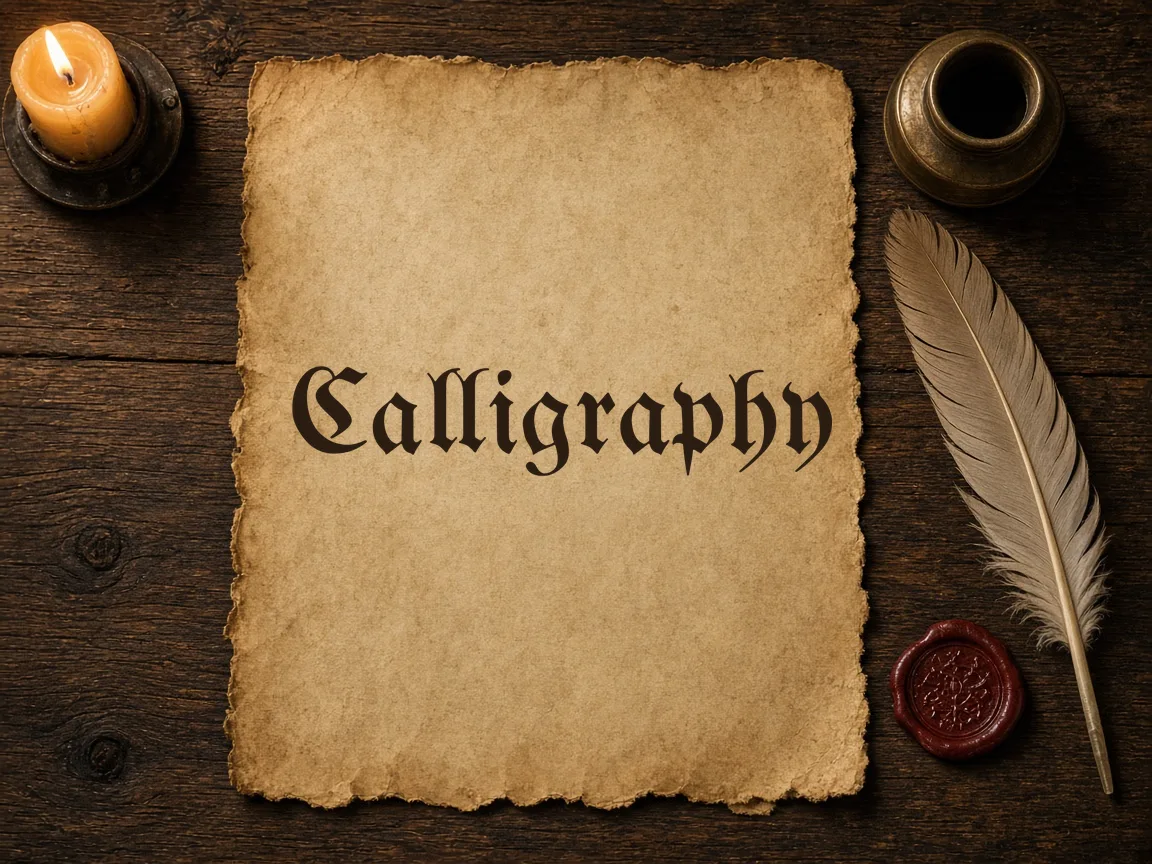
'Calligraphy' in UnifrakturMaguntia blackletter on aged parchment beside a quill and wax seal
Lettering rendered with Cursive Generator tools
Text style
Fill
Background
Layout
Quick Unicode Copy — paste into Instagram, TikTok, X or Discord

Printable Cursive Worksheet (PDF)

Four-line handwriting rows: ascender line, dashed midline, baseline and descender line. Your text is printed as a model row with light gray tracing rows.

HOW IT WORKS

Create Custom Calligraphy in Four Steps

01

Type Your Text

Enter names, quotes, or phrases into the text box to preview every font instantly.

02

Select a Style

Browse 122 open-source calligraphy styles, from delicate copperplate to dramatic Gothic blackletter.

03

Tune the Layout

Adjust text size, slant angle, color palette, drop shadows, and background transparency.

04

Download Your File

Export your finished lettering as a crisp transparent PNG or an editable vector SVG.

POPULAR USES

Lettering for Every Project

Ivory wedding invitation card with wax seal and dip pen

Wedding Invitations and Place Cards

Create elegant copperplate and formal cursive names for envelopes, seating charts, and menu cards. Export transparent high-resolution files to drop straight into your stationery layouts or send to your home printer.

Blank tattoo stencil paper next to a tattoo machine

Tattoo Lettering and Stencils

Test meaningful quotes, dates, and names in Gothic, script, or brush calligraphy before inking. Export clean vector SVG files that your tattoo artist can scale, print, and transfer directly onto stencil paper.

Blank parchment with quill, candle and wax seal

Blackletter Posters and Certificates

Design formal diplomas, award certificates, band merchandise, and Gothic art prints using dense medieval blackletter fonts. Tweak shadows and contrast to match vintage woodblock aesthetics or modern streetwear graphics.

WHY CURSIVE GENERATOR

Comparing Online Calligraphy Tools

Feature✦ Cursive GeneratorStandard Font Websites
Account Requirement✓No registration or login needed.–Often requires email sign-up to download.
Data Privacy✓Renders in browser; no text is sent to servers.–User input is often processed on remote servers.
Export Formats✓Free vector SVG and transparent PNG downloads.–Frequently restricts vector exports to paid plans.
Font Licensing✓All 122 fonts use permissive open-source licenses.–Licenses vary widely and often require separate purchases.
Live Customization✓Adjust slant, shadow, size, and colors in real time.–Usually limited to basic font size and color changes.
Classic and Contemporary Calligraphy Font Styles

Classic and Contemporary Calligraphy Font Styles

Explore a curated library of historical and modern calligraphy fonts rendered instantly in your browser. Choose from formal blackletter, delicate Copperplate scripts, or relaxed brush lettering for any creative project.

  • Traditional Blackletter Faces Use dense vertical strokes and ornamental capitals for dramatic formal headings and historic documents.
  • Delicate Copperplate Scripts Feature rhythmic flourishes and pointed-pen stroke contrasts ideal for wedding invitations and event signage.
  • Modern Brush Lettering Create relaxed, contemporary designs tailored for logo concepts, digital stationery, and craft projects.
  • Commercial Open Licenses Every font uses SIL OFL or Apache 2.0 licenses, allowing free commercial use without attribution.
Learn more

All font shaping runs directly on your device rather than a remote server. This ensures that every flourish and stroke variation previews instantly as you type each letter. You can freely test dozens of typographic styles without waiting for pages to refresh.

Crisp Vector SVG and Transparent PNG Exports

Download production-ready lettering assets tailored for both digital graphics and physical fabrication. Export sharp vector SVG files or transparent PNG images without background fills.

01

Transparent PNG Graphics

Export high-resolution images without white backgrounds to overlay directly on photos, textures, or slides.

02

Infinite Vector Scaling

Save clean SVG vector paths that remain perfectly sharp from small monograms to large banners.

03

Cutting Machine Compatibility

Import generated SVG outlines directly into software for vinyl cutters, laser engravers, and plotting machines.

04

Illustration Software Ready

Open vector files seamlessly in design applications like Adobe Illustrator and Inkscape for further editing.

Learn more

Canvas rendering and path generation happen entirely on your device with no server upload delays. This allows you to generate and download finished files instantly. You can switch between raster and vector formats depending on whether you are designing digital graphics or running physical plotters.

Private In-Browser Lettering with Zero Uploads

Private In-Browser Lettering with Zero Uploads

Cursive Generator processes every keystroke locally in your browser to keep your text private. Generate custom lettering without accounts, remote server logging, or subscription paywalls.

  • Zero Server Transmission All text stays in your browser and is never sent to external servers or stored in databases.
  • No Account Required Start designing immediately without creating passwords, registering accounts, or managing recurring subscriptions.
  • Instant Local Performance Process designs locally on your desktop or phone without waiting for network roundtrips or server queues.
  • Full Feature Access Access all 122 fonts, layout controls, and export options immediately upon loading the page.
Learn more

Because computation stays on your device, sensitive names, wedding vows, and journal entries remain completely private. The application operates smoothly even on mobile devices without processing bottlenecks. You can generate one monogram or dozens of place cards with consistent, uninterrupted speed.

Try also: name in cursive · cursive worksheets · tattoo fonts · wedding calligraphy · gothic fonts · signature generator · best free cursive fonts

FAQ

Frequently Asked Questions

Is this calligraphy generator free to use for commercial projects?

Yes. All 122 fonts offered on Cursive Generator are open-source typefaces distributed under the SIL Open Font License or the Apache 2.0 license. You can freely use the generated PNG and SVG graphics for commercial items like logo designs, merchandise, book covers, and client stationery without purchasing a commercial license.

What is the difference between downloading PNG and SVG files?

PNG exports deliver raster images with transparent backgrounds, ideal for direct insertion into documents, presentations, and website graphics. SVG exports produce mathematical vector outlines that can scale up infinitely without pixelation, making them perfect for laser cutting, Cricut machines, vinyl plotters, and professional print work.

Do I need to create an account or log in to generate calligraphy?

No account or login is required. Cursive Generator is entirely free and open to use without registering an email address or setting a password. You can start typing and generating calligraphy immediately upon visiting the website.

Are my text inputs sent to or stored on a server?

No. All font rendering, text layout, and graphic file exports happen locally within your web browser using client-side JavaScript. Your words are never uploaded to a remote server, tracked in a database, or saved anywhere outside your current browser session.

Can I use the exported files with vinyl cutters and laser engravers?

Yes. The vector SVG files export pure outline paths that load directly into cutting and engraving software such as Cricut Design Space, Silhouette Studio Designer Edition, LightBurn, and LaserGRBL. Because paths are clean and scalable, your machines cut smooth, continuous letterforms.

What styles of calligraphy lettering can I create online for free?

Cursive Generator provides 122 open-source fonts covering both historical and contemporary calligraphy styles. You can choose from dramatic Gothic blackletter faces with dense vertical strokes, delicate pointed-pen Copperplate scripts, romantic wedding handwritings, and relaxed modern brush lettering. Because all 122 fonts are licensed under the SIL Open Font License or Apache 2.0, you can freely use any rendered style for craft or commercial projects.

How can I design free calligraphy text for wedding invitations?

Cursive Generator is a free option that lets you create wedding calligraphy directly in your browser without installing software. You can type your text, select flowing wedding scripts or flourishing Copperplate styles, and customize the layout in real time. Once finished, you can export a transparent PNG for digital invitations or a vector SVG file for crisp, high-resolution printing on envelopes, menus, and signage.

Can I copy and paste cursive text directly to social media profiles?

Yes, Cursive Generator allows you to copy Unicode cursive text directly to your clipboard for social platforms. This allows you to paste decorative script into Instagram bios, TikTok captions, Facebook posts, and messaging apps without uploading an image. For richer visual layouts, you can also download your finished typography as a transparent PNG graphic to overlay directly onto photos or video stories.

Can I generate printable calligraphy practice worksheets in PDF format?

Yes, Cursive Generator includes a worksheet tool that exports printable lettering practice sheets in US Letter and A4 PDF formats. You can generate custom practice guides with specific words or phrases to practice tracing brush scripts and Copperplate flourishes at home or in class. Since generation happens locally in your browser, your practice sheets are ready to print immediately without any subscription or login.

Can I add text shadows to my calligraphy designs before exporting?

Yes, Cursive Generator includes built-in text shadow controls that let you add depth to your lettering directly in the editor. You can adjust the shadow effect while previewing changes in real time across any of the 122 open-source fonts. When you are satisfied with the look, your styled calligraphy exports cleanly into transparent PNG or scalable vector SVG files.

How can I design and test ambigram lettering that reads upside down?

Cursive Generator features a dedicated ambigram page designed specifically for creating and checking rotational lettering. The tool includes a 180-degree flip check so you can instantly verify whether your script remains legible when rotated upside down. Like the main generator, it runs entirely in your browser with no sign-up required, making it a fast and private option for tattoo and logo concepts.
Try Our Free Calligraphy Generator Today

Type your text above to preview 122 open-source calligraphy styles and download vector SVGs instantly.

Generate Calligraphy Now →
RELATED

Explore More Free Lettering Tools